
5 Minute Break Timer for Peak Productivity
This free 5 minute break timer is preset to five minutes, starts in one click, and sounds an alarm at zero, so you can step away and rest without watching the clock. Use it for Pomodoro breaks, study breaks, screen rest, gym rest, or a quick reset between meetings.
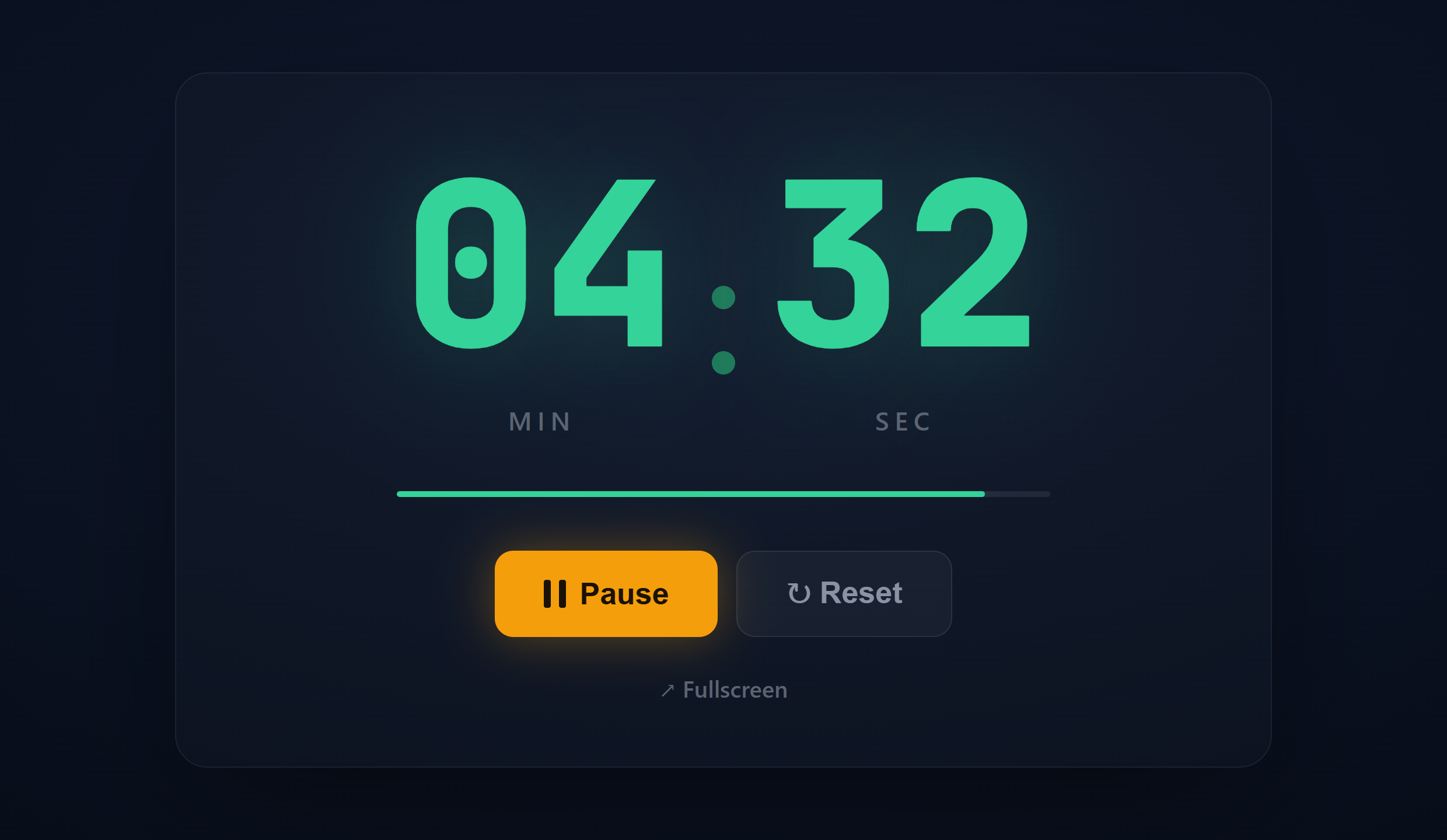
How to use the 5 minute break timer
- Open the page. The timer is preset to five minutes, so there is nothing to set up.
- Select Start, or press the spacebar, to begin.
- Step away and rest. Stand, stretch, look away from your screen, or breathe.
- An alarm sounds at zero. Switch to fullscreen for a large display.
Why five minute breaks work
A short break resets attention before it drops. Reviews of microbreak research link brief pauses to lower fatigue and steadier performance through the day, and a pause after a focused block helps your brain lock in what you just did. Five minutes is the sweet spot: enough to change your state, short enough to keep your momentum.
When to use a 5 minute break
| Use case | When it helps | What to do in the five minutes |
|---|---|---|
| Pomodoro and deep work | After 25 to 50 minutes of focus | Stand, stretch, drink water, look away from the screen |
| Studying | Between topics or study blocks | Walk, recall what you just read, rest your eyes |
| ADHD and focus resets | Between short focus sprints | A quick movement or breathing reset to re-engage |
| Meditation and breathing | Any time you need to reset | A short breathing or mindfulness session |
| Screen and eye rest | After long stretches at a display | Look at something far away, blink, open a window |
| Back to back meetings | Between calls | Breathe, jot notes, refill water before the next one |
| Classroom transitions | Timing activities and changeovers | Show the countdown on a projector so the class can pace itself |
| Customer support and calls | Between calls or tickets | A micro reset before the next conversation |
| Gym and workouts | Rest between sets or rounds | Recover, sip water, reset for the next effort |
| Kids and screen time | A five minute warning before a change | A clear countdown that eases the transition |
| Cooking and kitchen | Steeping tea, a soft boiled egg, a timed step | Let the alarm track it hands free while you prep |
The common thread: change what you were doing. If you were sitting at a screen, move and rest your eyes. Trading one screen for another rarely feels restful.
How often should you take a break
Take a short break every 25 to 50 minutes of focused work. The 25 minute Pomodoro timer pairs 25 minutes of work with a five minute break, and a longer break after four rounds. If you prefer no fixed schedule, let your own attention be the cue: when focus starts to drift, take the break before quality drops.
Common break mistakes
- Skipping the break when busy, which is exactly when you need it most
- Working through it, so your mind never switches off
- Letting it run long and losing momentum
- Spending it on the same screen, which rests neither your eyes nor your focus
Related timers and guides
Read more in the Pomodoro timer guide and meditation and break timers.
Frequently asked questions
Is a 5 minute break enough?
For a reset between focused blocks, yes. Take a longer 15 to 20 minute break after several rounds.
How often should I take breaks?
Every 25 to 50 minutes of focused work, or whenever your attention starts to wander.
What should I do in a 5 minute break?
Change modes: stand, stretch, walk, drink water, or look away from your screen. Avoid scrolling your phone.
Can I use it for study or screen breaks?
Yes. It works for study breaks, screen and eye rest, gym rest, meditation, or any five minute pause.
Does the timer make a sound when the break ends?
Yes. An alarm plays when it reaches zero, and you can turn the sound on or off.
Is the 5 minute break timer free?
Yes. It is free with no signup and no download, on any phone, tablet, or computer.