
15 Minute Timer
The 15 minute timer is a free, full screen countdown that runs in your browser and rings an alarm when the quarter hour is up. There is no download and no account, it starts in a single click, and it stays clearly readable across a room.
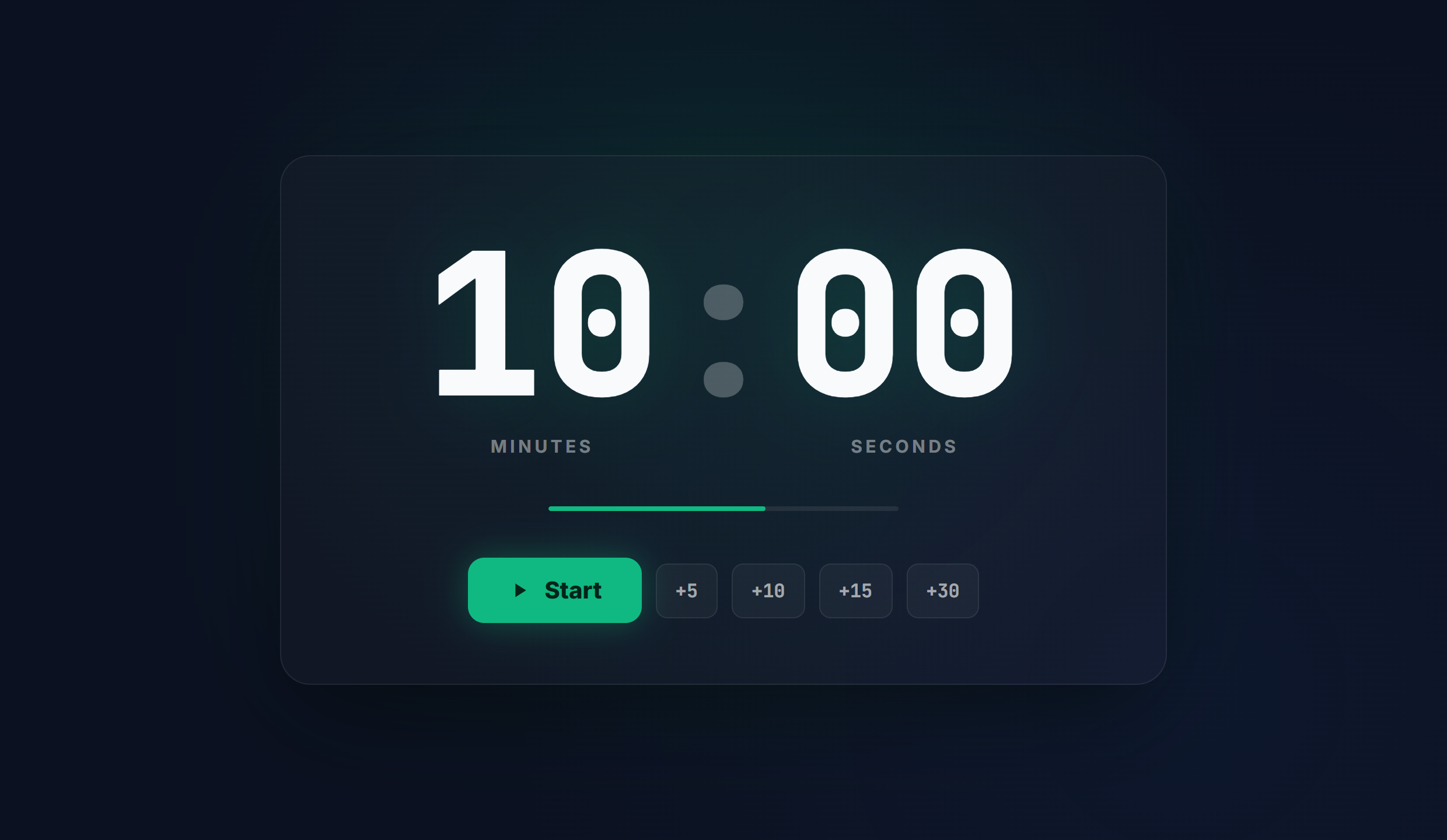
How to use and set the timer
- Open the page. The timer is already set to 15 minutes, so there is nothing to set up before you begin.
- To use a different length, type your own hours, minutes, and seconds into the display, or choose one of the presets.
- Select Start, or press the spacebar, to begin the countdown. Pause and Reset control the run at any time.
- Switch to full screen for a large, high contrast display, and turn sound on so an alarm plays when the timer reaches zero.
Common use cases
- A power nap
- A daily standup meeting
- A focused study or reading block
- A quick clean up
Frequently asked questions
How do I set a 15 minute timer?
This page is already set to 15 minutes. Select Start, or press the spacebar, and it counts down to zero and then plays an alarm. To time a different length, enter your own hours, minutes, and seconds first.
Does it work full screen?
Yes. Switch to full screen for a large, high contrast countdown that reads clearly across a classroom, gym, stage, or meeting room.
Is it free, and do I need an account?
It is completely free, with no sign up and no download, and it works on any phone, tablet, or computer.
Will it make a sound when the time is up?
Yes. An alarm plays when the countdown reaches zero, so you do not have to watch the screen.