
90 Second Timer
The 90 second timer is a free online countdown timer that runs full screen in your browser. It comes preset to 90 seconds, begins with a single click, and sounds an alarm the moment it reaches zero. There is nothing to install and no account to create, so it is ready to use on any phone, tablet, or computer.
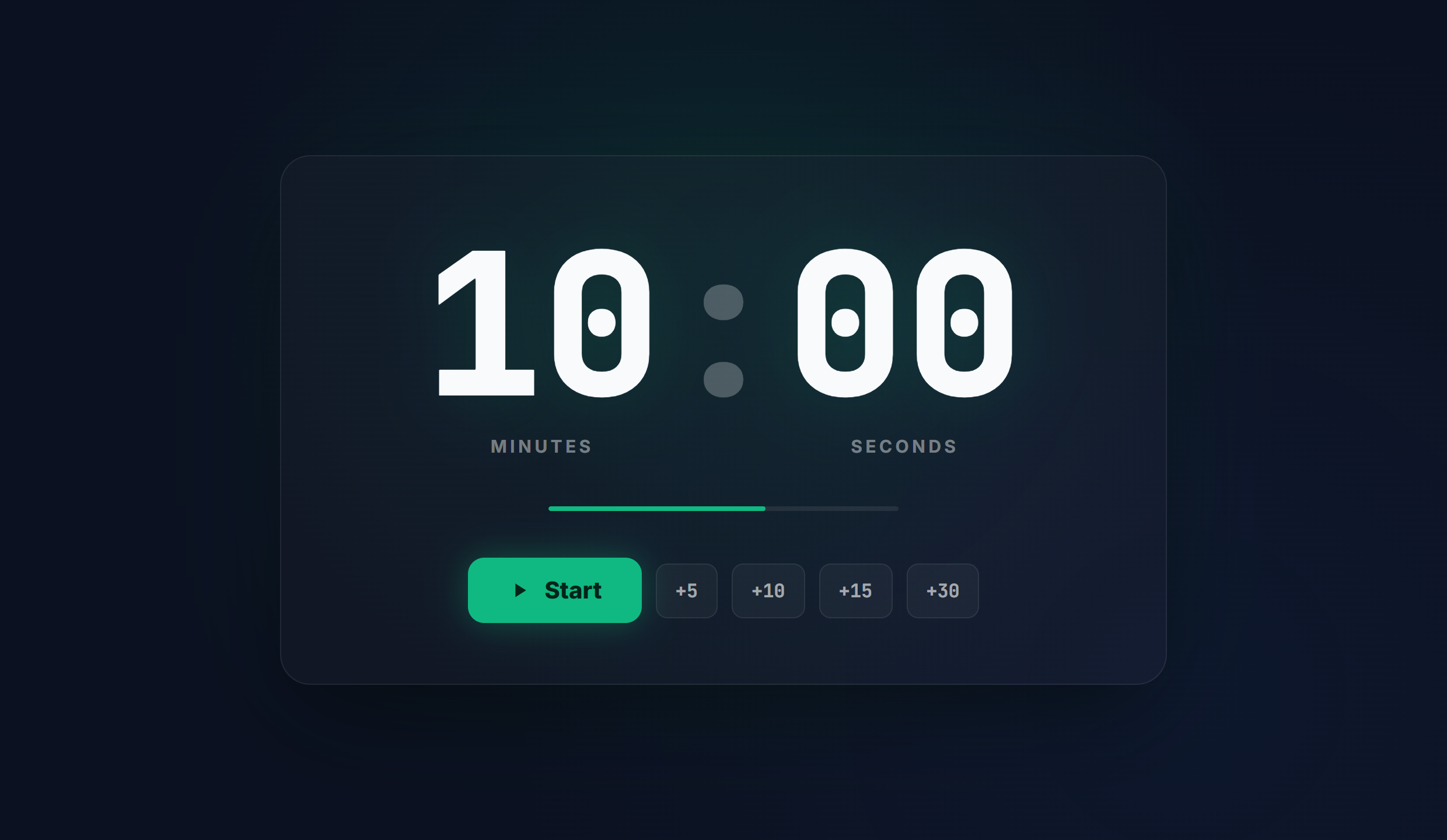
How to use and set the timer
- Open the page. The timer is already set to 90 seconds, so there is nothing to set up before you begin.
- To use a different length, type your own hours, minutes, and seconds into the display, or choose one of the presets.
- Select Start, or press the spacebar, to begin the countdown. Pause and Reset control the run at any time.
- Switch to full screen for a large, high contrast display, and turn sound on so an alarm plays when the timer reaches zero.
Common use cases
- Rest between working sets
- A longer plank challenge
- Steeping delicate green tea
- A short guided breathing exercise
Frequently asked questions
How do I set a 90 second timer?
This page is already set to 90 seconds. Select Start, or press the spacebar, and it counts down to zero and then plays an alarm. To time a different length, enter your own hours, minutes, and seconds first.
Does it work full screen?
Yes. Switch to full screen for a large, high contrast countdown that reads clearly across a classroom, gym, stage, or meeting room.
Is it free, and do I need an account?
It is completely free, with no sign up and no download, and it works on any phone, tablet, or computer.
Will it make a sound when the time is up?
Yes. An alarm plays when the countdown reaches zero, so you do not have to watch the screen.