
Clock with Seconds
A free online clock with seconds that shows minutes and seconds in large, clear digits. Set a time and it counts down to zero and sounds an alarm, or leave it running as a visible minutes-and-seconds display. There is nothing to install and no account to create, and it works full screen on any phone, tablet, or computer.
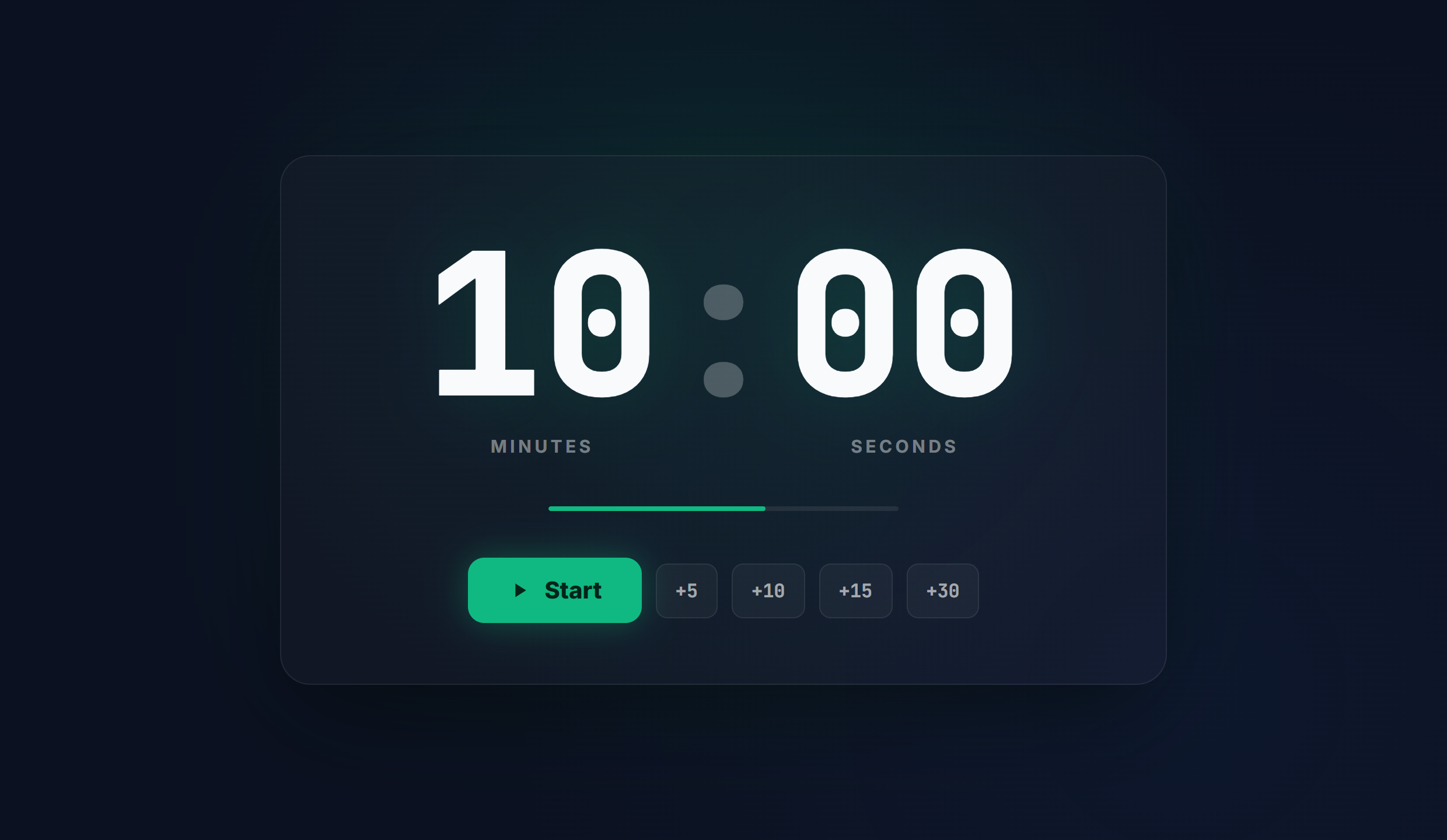
How to use it
- Type your minutes and seconds into the display, or use the quick preset chips.
- Press Start, or the spacebar, to begin. Pause and Reset control the run at any time.
- Switch to full screen for a large minutes-and-seconds display that reads across a room.
- An alarm plays when it reaches zero, so you do not have to watch the screen.
Common use cases
- A large, visible seconds display for a classroom, office, or studio
- Timing drills, exercises, breaks, and hand-offs
- A clear countdown on a screen at events and broadcasts
- Any task where you want minutes and seconds shown at a glance
Frequently asked questions
Does it show seconds?
Yes. The display shows minutes and seconds (MM:SS) in large, clear digits, so the seconds are always visible.
How do I use it?
Enter a time, or leave it at 00:00 and add minutes and seconds, then press Start. It counts down and plays an alarm at zero. Pause and Reset are always available.
Can I show it full screen?
Yes. Switch to full screen for a large, high contrast minutes-and-seconds display that reads clearly across a classroom, office, gym, or studio.
Is it free?
Completely free, with no sign up and no download. It works in any browser on any device.